New Our MCP server is live. Check prices, place and track orders right from Claude, ChatGPT or Cursor. MCP is live for Claude & ChatGPT Connect in 2 min →Connect →
Explore All Services
AI Studio
AI video templates / Photo to video

AI Video Templates: Photo to VideoPick a scene.
Make it yours.

See the photo. Play the result. Find a scene worth making your own—then check that exact offer before you spend.

Browsing is free. Only scenes marked “Available to create” can continue to a quote.

Genuine playable examplesOne-time wallet purchasesDownload original video
Current video scenes

See what you can make.

74 verified templates · 70 available to create. Prices and input rules belong to each individual offer.

When can I buy a video?

Only a scene marked “Available to create” can continue to the studio. Check its input rules, then review a separate wallet quote for that exact offer before paying. A paused scene cannot be purchased, even if its example is playable.

Your photo, a ready-made scene

Choose first. Pay only after a quote.

  1. Watch the scenePlay the actual example. Open its details to see the source photo, duration, sound and input rules.
  2. Make it yours in the studioChoose an available scene, sign in, upload the right photo and confirm your rights. No custom prompt needed.
  3. Review the wallet quoteCheck the exact price and explicitly confirm the separate video purchase. Adding funds never starts generation.
  4. Download originalFollow the actual status in activity. On success, download the original video before protected access expires.
Worth knowing before you pay

You in the scene.
Still made by AI.

You buy a generation, not a guaranteed likeness, expression or performance. Real examples show what happened once, not what must happen every time.

What exactly do I get?

One AI-generated video file on success, using the selected template’s settings. Not an image, editable project or human video-editing service. Use “Download original” in the studio to save your successful output before its protected link expires. The original file is not re-encoded or given a SocialFansGeek marketing mark.

How much is a video?

Only scenes currently available to create show a price. Prices are in USD, per generation, paid from your wallet. You review an exact, time-limited quote before confirming a charge. No subscription; image purchases and poster credits do not include videos.

Will it look exactly like me?

No. AI can change facial features, identity details, body shape, expression, motion and background. Sound is included only when the selected settings say audio is on; exact words or voices are not guaranteed. Check your result and do not present it as real footage.

What photo can I use?

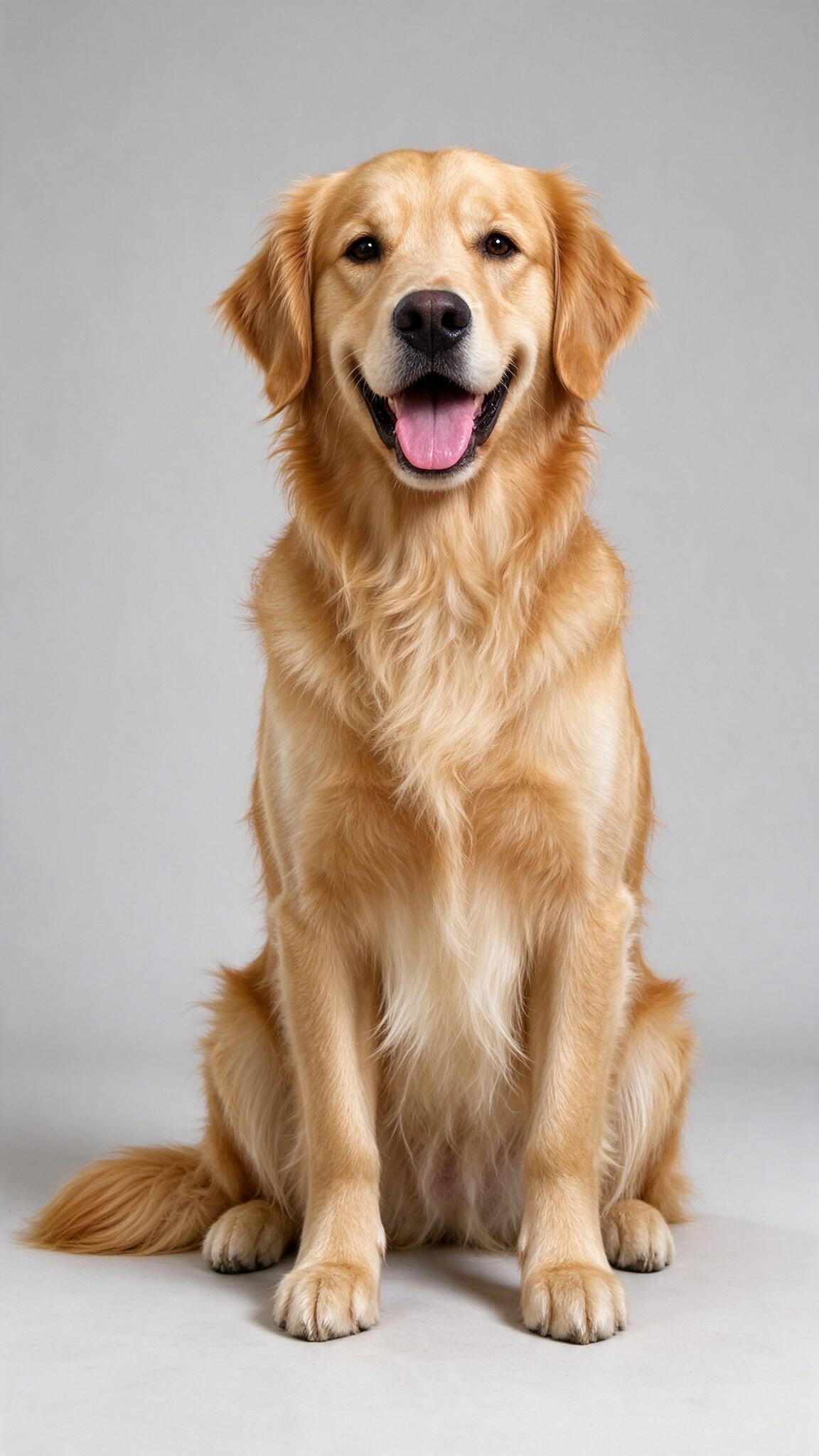
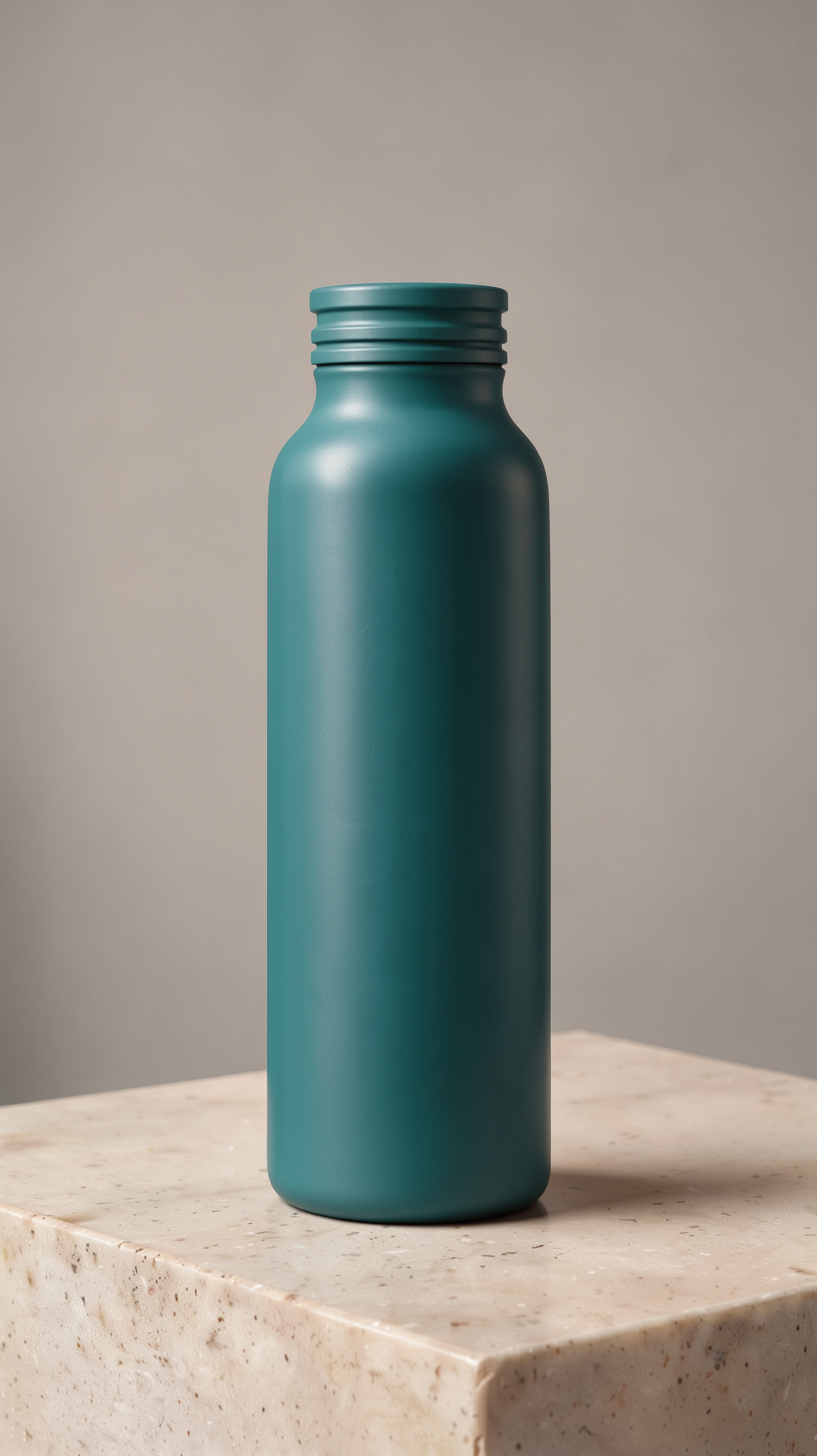
Unless a scene says otherwise, use one consenting adult, age 18+. Pet scenes require one owned pet, with no people. Product in Motion is specifically for one unbranded bottle, no labels, logos, text, hands or people. Its input must be near 9:16, width-to-height ratio 0.5–0.65; output is provider-sized, not exact 9:16. You must be 18+ and have rights to your photo. No minors, public figures, copyrighted characters, sexual content or impersonation.

What if generation is paused or a job is unresolved?

A paused scene is not on sale even if its real demo is playable. Completion time varies. For a pending or unknown job, check activity; do not submit again assuming it failed. Check the actual status and recorded refund. An expired download does not mean a new purchase or automatic refund.

Where does my upload go?

Processing involves SocialFansGeek and third-party AI providers whose policies govern retention. Read the content and privacy policy, named providers and reporting information before uploading. There is no permanent gallery; save successful files promptly.

Start with the example

A scene should earn your photo.

Watch it. Read its rules. Decide before you spend.

Browse video templates
Optional usage measurement

Off by default. No photo, prompt, name, email or wallet balance is included. Turning this off stops future events. Purchases are recorded separately for your account.

How does the SocialFansGeek AI video generator work?

Pick a video template, upload one photo of yourself, your pet or your product, and the AI turns it into a short vertical video for TikTok, Reels or Shorts. Each template shows a real example and its price before you pay. Videos start at $0.39, paid per video from your wallet, with no subscription. New templates go live as each video model passes our quality check.

Input
One photo (a consenting adult, a pet or a product), plus your own prompt for model mode
Output
A short vertical video, usually 5 to 10 seconds
Price
From $0.39 per video, shown before you confirm
Subscription
None. Pay per video
AI models
Kling 3.0 Pro, Veo 3.1 (with sound), FLUX Product Motion and talking-character models, each named on its template
Failed videos
A confirmed failed or rejected request is refunded to your wallet

Updated . Prices update automatically from the live studio.

Frequently asked questions

How much does an AI video cost?

Every template shows its price in USD before you confirm. Videos currently start at $0.39. You pay once per video from your wallet; there is no subscription and adding funds never buys anything automatically.

How long is the video and what format is it?

Most templates make a 5 to 10 second vertical clip sized for TikTok, Instagram Reels and YouTube Shorts. You download the finished video file and post it wherever you like.

What photo works best?

One clear, well-lit photo with the face or product fully visible and nothing covering it. Use a photo of yourself or of someone who agreed to it. Photos of minors, public figures and copyrighted characters are not accepted.

Which AI models make the videos?

Templates run on current video models such as Kling 3.0 Pro, Veo 3.1 and FLUX Product Motion. Each template names its model and settings before you pay, so you know what you are buying.

What happens if a video fails?

A confirmed failed or rejected request is refunded to your wallet. If your connection drops, check your activity before buying again, because the video may still be processing.

Can I get more views on the video I made?

Yes. After you post it, you can promote it with TikTok views, Instagram Reels views or YouTube Shorts views from the same SocialFansGeek account.

Chat on WhatsApp